
Commerce
Your Product Feed Is the Real Storefront

Qooly AI EditorialJuly 8, 2026 · 4 min read

A disapproved product doesn't show anywhere on Google: not in Shopping ads, not in free listings. In a large catalog, disapprovals build up quietly, and they often go unnoticed until someone asks why a best-seller stopped selling.
This guide covers how to read what Merchant Center is telling you, the causes Google documents, how to fix each one, and how to request a review without landing in a cool-down period. It reflects Merchant Center as of November 2026, including two changes worth planning for: a higher image size minimum from January 31, 2027, and the end of the Content API for Shopping.
Merchant Center uses several statuses, and they need different responses.
| Status | What it means | What to do |
|---|---|---|
| Limited | The product shows only in some cases, or some of its data is hidden. Usually caused by a warning. | Fix it when you can. It is costing visibility, not blocking the product. |
| Not approved | The product can't show on Google because of a data quality or policy problem. | Fix the data or the policy issue. Editing the product starts a re-review. |
| Preemptive item disapproval | Price or availability in your data didn't match the product page. Google treats it as account-level enforcement. | Fix the mismatch, then request a review. It only clears through review. |
| Account warning or suspension | A setup or policy issue that affects every product. | Use the Review and fix banner. Treat it as urgent. |
In the current Merchant Center, go to Products & store > Products and open the Needs attention tab. Account-level problems sit behind View setup and policy issues.
Two settings change what you see:
If you learned Merchant Center before the upgrade to Merchant Center Next, some names have changed: Diagnostics is now Needs attention, Feeds are Data sources, and Destinations are Marketing methods.
For more than a handful of products, download the issue list as a CSV, fix the data at the source and re-upload. Editing products one by one inside Merchant Center fixes the symptom, and the next feed run usually brings the problem back.
identifier_exists to no, but Google believes the product has a GTIN. Add the GTIN, set identifier_exists to yes, and confirm the code belongs to the brand in GS1's registry.Products that genuinely have no GTIN, such as custom or own-brand items, should carry identifier_exists set to no along with the brand and, where there is one, an MPN.
Mismatched product price and Mismatched product availability mean Google crawled your product page and found something different from your data. Google lists the usual causes: schema markup that disagrees with the visible page, several prices on one page, prices that change by visitor location, and minimum order quantities.
To fix it:
price and availability values in the page's structured data.Two practices prevent repeats. Don't mark products out_of_stock to pause them; use the pause attribute, which hides a product for up to 14 days. And in the US and Canada, the price in your data must exclude tax.
Automatic item updates are on by default and let Google correct price, sale price, availability and condition from your pages. They help, but Google is explicit that they don't replace regular feed updates, they can fail for prices that change more than once a day, and in some cases the product is disapproved instead of updated. You'll find them under Products > Automations.
The image issues Google names include Image too small, Generic placeholder image, promotional overlays, watermarks or borders, and Broken image link.
Replacing an image takes time to show. New images take about three days to process, and the old image can keep serving for up to 30 days. If you replace an image at the same URL, Google may not recrawl it for weeks, so give the new file a new name.
Seven attributes are always required: id, title, description, link, image_link, availability and price. Others become required depending on the product:
| Attribute | Required when |
|---|---|
brand | For new products, except movies, books and music |
mpn | When the product has no GTIN |
condition | For used or refurbished products |
item_group_id | For variants in Brazil, France, Germany, Japan, the UK and the US |
color, gender, age_group | For apparel in those countries |
size | For clothing and shoes |
Titles can be up to 150 characters and descriptions up to 5,000. For Invalid product category, give google_product_category the numeric taxonomy ID or the full category path, not only the last part of it. Your own category structure belongs in product_type.
With Missing shipping costs, the product won't show. Set a shipping policy under Products & store > Shipping and returns, or send the shipping attribute in your data. Google says changes can take 24 to 72 hours to apply.
Product page unavailable covers pages that return 404 or server errors, redirect too many times, fail DNS, or are blocked by robots.txt. Check that the AdsBot-Google crawler isn't blocked, fix the page, then use Request website check. Desktop and mobile versions of a page are checked separately, so test both.
Policy disapprovals fall into three groups: prohibited content (such as counterfeit or dangerous products), prohibited practices (including misrepresentation), and restricted content (such as alcohol or healthcare products).
Misrepresentation deserves the most care. Under three of its sub-policies, unacceptable business practices, coordinated deceptive practices and dishonest pricing, Google can suspend an account as soon as it detects the problem, with no warning. The others, unavailable offers, manipulated media and unreliable claims, come with at least seven days' warning. Read the full policy and fix the cause before you ask for a review.
Editing a product's data starts a new review on its own. You only need to request one when the fix is on your website or at the account level.
The limits matter. You get one chance to disagree with an issue. After a second failed review, a cool-down period of about a week starts, it can get longer with each failure, and support can't shorten it. A failed review of a preemptive item disapproval also means a 7 business day wait.
The practical rule: fix everything first, check a sample of product pages and data yourself, and only then request the review. A rushed request that fails costs more time than it saves.
Google sunset the Content API for Shopping on August 18, 2026. Since September 1, 2026, requests from integrations without an extension have been failing intermittently, and Google plans a full shutdown in early 2027. The replacement is the Merchant API. If your feed comes from an ecommerce platform, the platform handles the move. If it comes from a custom integration or an older feed tool, confirm it has moved before early 2027.
Almost every cause above is a product data problem found after publishing. The data left your systems incomplete or out of date, Google found the gap, and the product stopped showing. Fixing issues inside Merchant Center deals with today's list. The list comes back because the next feed run sends the same data again.
The lasting fix is to check products before they are sent:
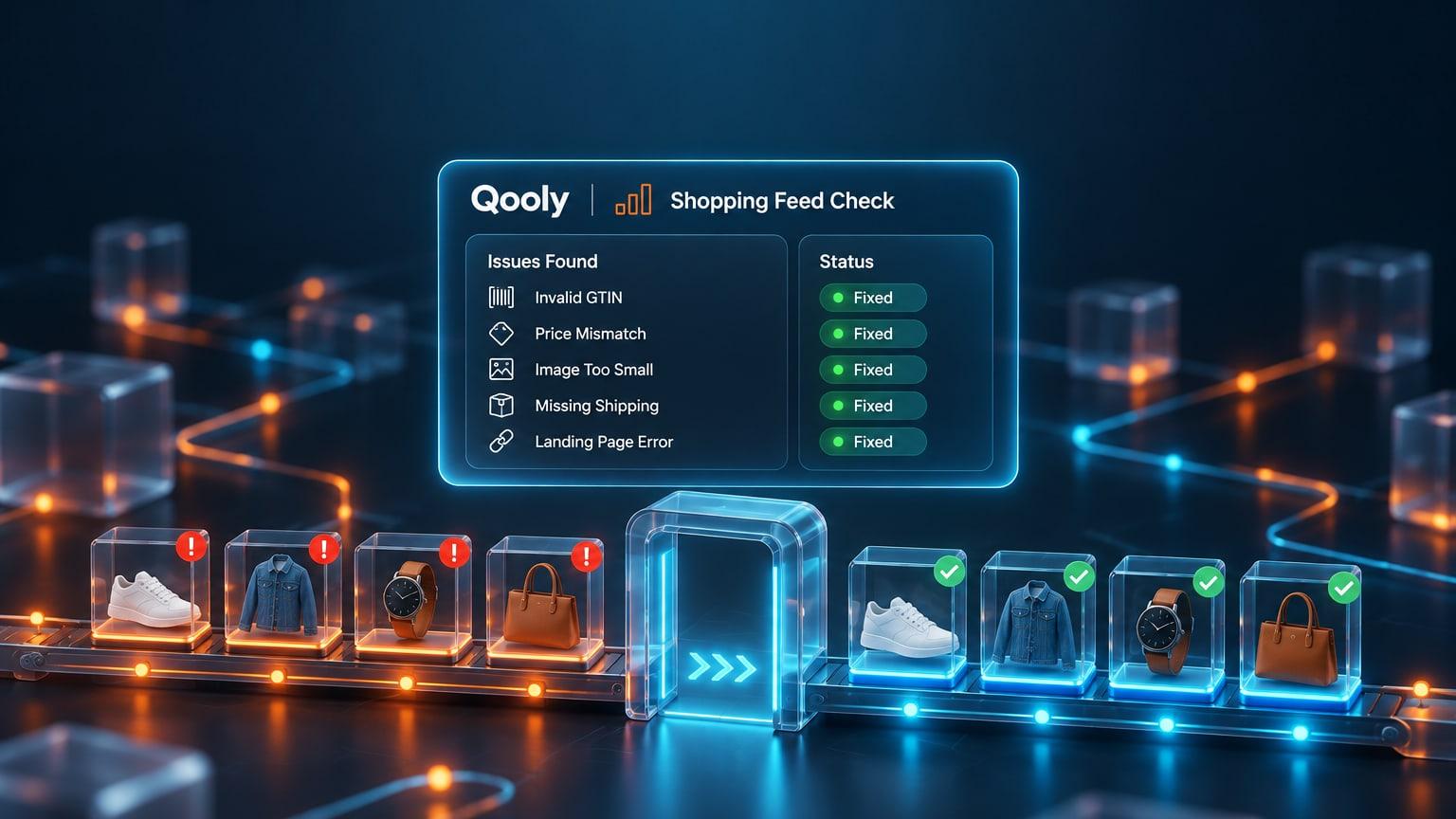
That is the job Agent Flow does in Qooly AI. It checks each product against Google's specification and your own rules before it reaches the feed, and Agent Sync sends price and stock changes as they happen, so the feed and the page don't drift apart. The same checks apply on other channels: see our guides to Amazon suppressed listings and TikTok Shop listing requirements, and read why the feed is your real storefront.
A product shows as Not approved when it has a data quality problem, such as an invalid GTIN, a price or availability that doesn't match the product page, an image that breaks the image rules or missing shipping costs, or when it breaks a Shopping policy. Open Products, then the Needs attention tab, to see the exact issue for each product.
Limited means the product can still show, but only in some cases, or with some of its data hidden. It usually comes from a warning, such as a missing GTIN. It is not a disapproval, but fixing it improves where and how often the product appears.
Edited product data is processed within about 15 minutes, and a first review can take up to 3 to 5 business days. An account review takes about 7 business days. The Needs attention page can take 24 to 72 hours to reflect your fixes.
Today the minimum is 100 x 100 pixels, or 250 x 250 for apparel. Google has announced that every product image must be at least 500 x 500 pixels from January 31, 2027, and has shown warnings for smaller images since July 2026.
Make the price in your product data match the price on the product page, including the structured data in the page's HTML. Then use Request website check on the issue. If mismatches repeat, Google can apply a preemptive item disapproval that only a review can clear. See how Qooly AI checks products before they publish.
Keep reading